01 / CRM
A CRM with no per-user fee
Manage contacts, opportunities, sales pipelines and customer follow-up with a modern open-source CRM. We handle deployment, data migration, configuration, integrations and training.
Less time on the books, more time on the business. Nobody types an invoice in: the system reads it, splits out the taxes, attaches the original and drafts the entry, and your bookkeeper approves. All of it on accounting software with no subscription.
Drag an invoice onto the screen or photograph a receipt with your phone. Supplier, date, totals and taxes are read, duplicates and missing documents are flagged, and the draft entry is prepared. Invoices that arrive by e-mail can come in on their own.
Accounting, purchasing, sales, inventory and invoicing; data migration, configuration, training and ongoing support.
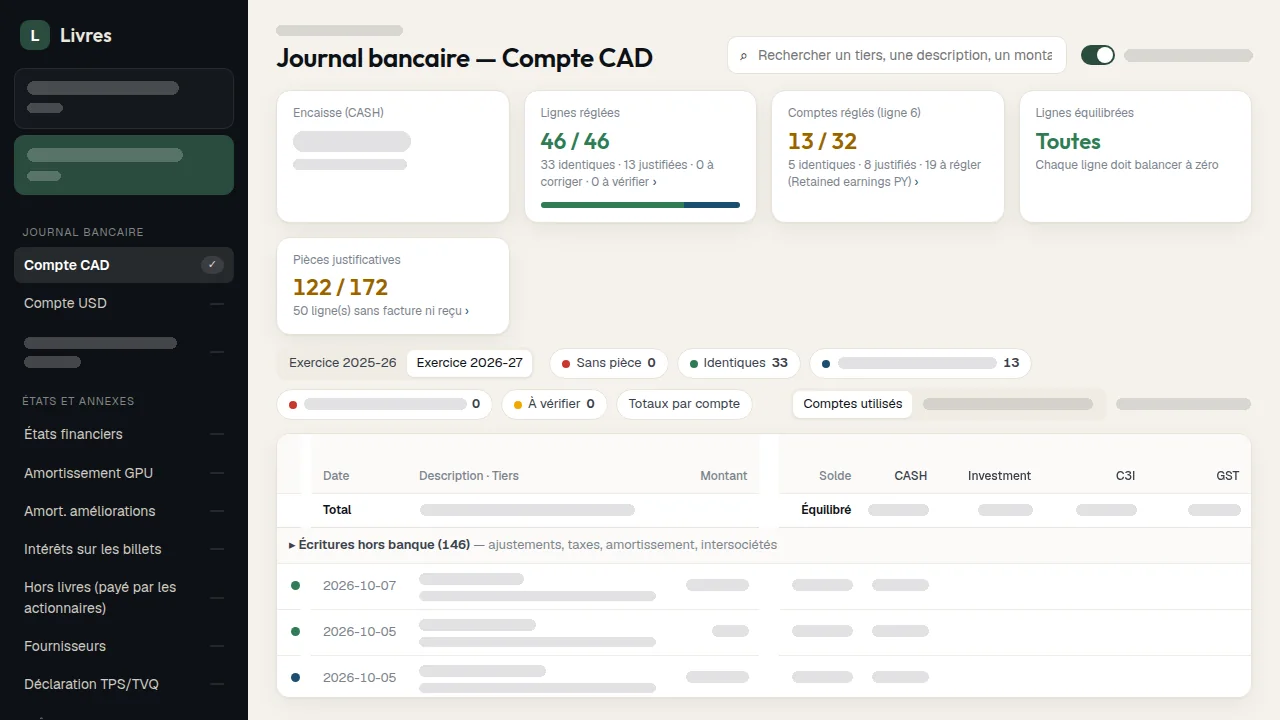
Match statements to invoices and receipts. Route exceptions and uncertain matches to your team for review.
Configure separate ledgers, intercompany workflows, GST/QST tracking and accountant-ready exports. Connect your CRM to your sales and invoicing processes.
Drag in an invoice, photograph a receipt, or let e-mailed invoices and bank statements come in.
Supplier, date, totals, tax fields and supporting documents.
Match transactions and prepare draft entries.
An authorized person verifies entries, exceptions and tax treatment before posting.
Built on our experience implementing AI-assisted receipt collection and reconciliation for our own businesses. nico&co provides technology implementation and workflow support, not audit, assurance or tax advisory services.
Drag in an invoice or photograph a receipt. The model reads it and proposes the entry, with the GST and the QST split out. It stays a draft until a person approves it.
| Proposed entry | Debit | Credit |
|---|---|---|
| 5220Electricity | 358.50 | |
| 1210GST to recover (ITC), 5% | 17.93 | |
| 1215QST to recover (ITR), 9.975% | 35.76 | |
| 2100Accounts payable, Hydro-Québec | 412.19 |
12 Nov, 09:14Proposed. Same supplier and same account as the last six bills.
ModelNot postedWaiting for your bookkeeper to approve or correct.
PersonThe last three rules are how we keep the books of our own six companies, on the same system we install for clients.
Not every business tool needs a per-user subscription. We deploy open-source alternatives on your own infrastructure or in a managed Canadian environment when the economics and features make sense.
Manage contacts, opportunities, sales pipelines and customer follow-up with a modern open-source CRM. We handle deployment, data migration, configuration, integrations and training.
Bring accounting, purchasing, inventory and operations into a connected business platform. Automate repetitive tasks and keep your data portable.
A 10-person team paying CAD $50 per user per month spends $6,000 a year on software licenses. Installing an open-source CRM on hosting you control removes that particular per-seat license cost. Hosting, migration, maintenance, AI usage and optional commercial features may still cost money. Actual net savings depend on your requirements.
Pick what you rent today, slide the numbers to match your business, and see what the licences cost you in a year. Nothing you enter leaves this page.
$32,840
Recovered staff capacity
Licences you stop paying, less hosting and support
First-year net benefit, after the implementation cost
Illustrative estimate assuming 50% of repetitive work is recoverable. Recovered employee time is not necessarily cash savings.
Book a free business assessment↗Email me a short description of the task and the tools your team uses today.